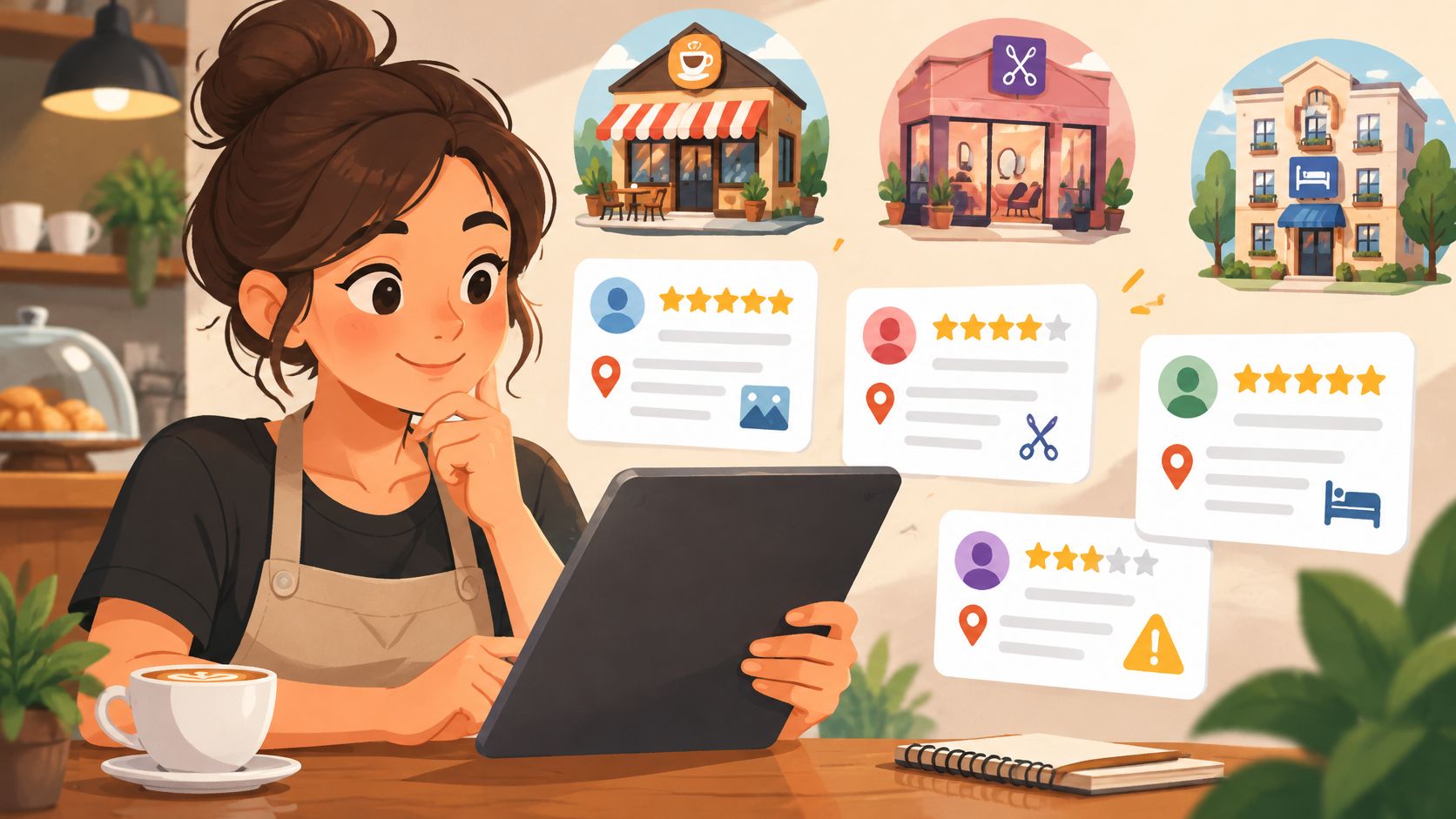
Local Business Listing Guide: What to Include and Maintain
Learn what a local business listing is, which details matter most, how it affects nearby search visibility, and how to keep it accurate over time.
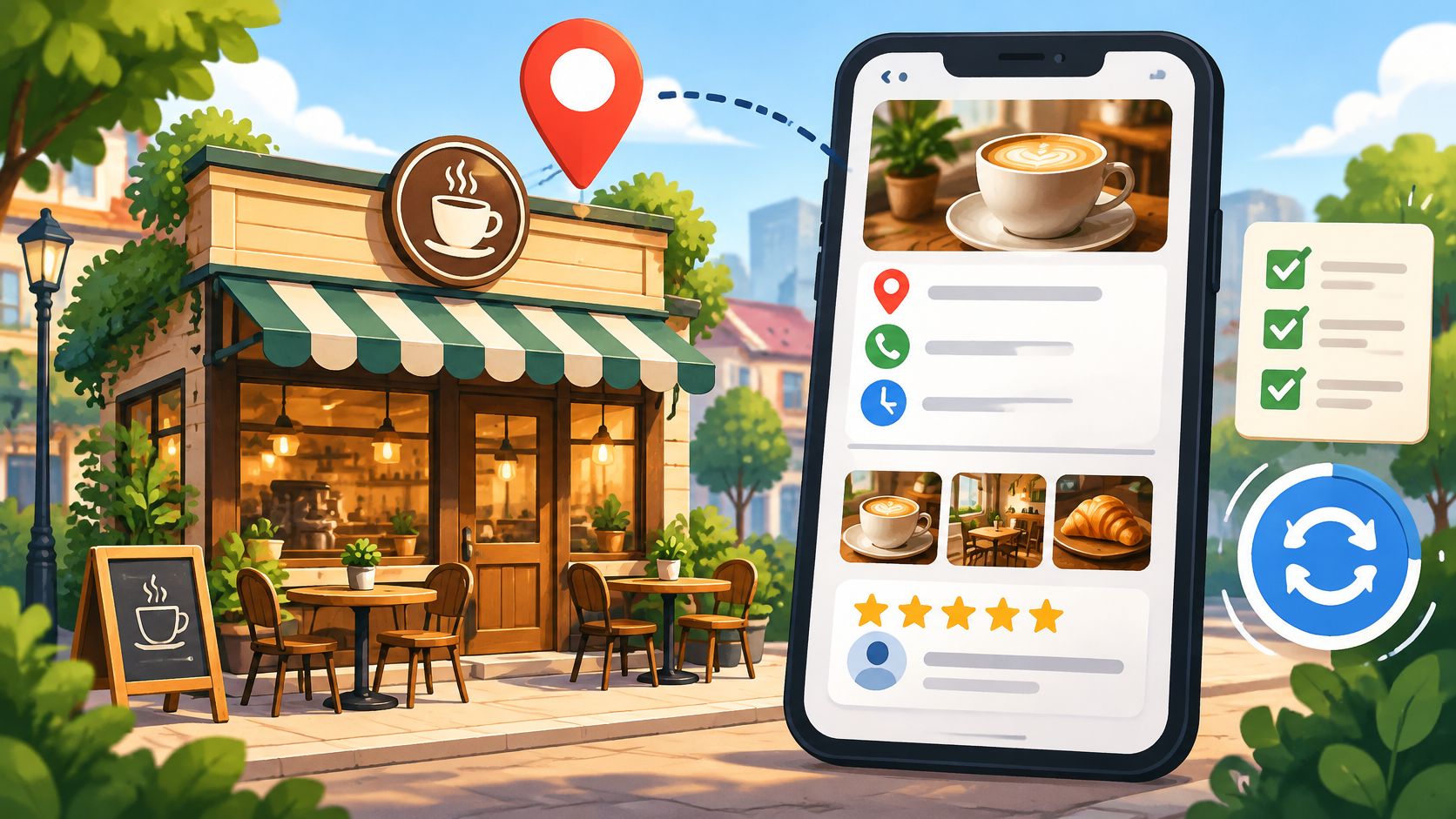
98% of U.S. consumers said they had used the internet to find information about local businesses in 2022, up from 90% in 2019, according to BrightLocal's 2023 local consumer review survey of 1,117 people. In the same study, 87% said they used Google to evaluate local businesses, and 76% said they regularly read online reviews while browsing for local businesses.
A local business listing is the profile that search and map services show when someone looks for a business nearby. That profile is where most of those evaluations now start, minutes before a phone call, a website visit or a walk past the door.
The pages that follow explain what goes into that profile, how nearby results are ranked, where review collection can go wrong, and how to keep the details accurate month after month without turning it into a second job.
Why a Local Business Listing Decides Who Finds You
Think about the last time you looked for somewhere to eat. You typed bakery near me into a map, scanned three or four names, checked which one was open and how it was rated, then tapped directions. Every business on that screen was judged on the same handful of facts, and the judgement took seconds.
The decision now happens inside the listing. It holds the name, address, phone number, opening hours, website link, categories and photos that customers see before they call or visit. That makes a listing less a directory entry than a working asset, carrying location, business information, ratings and customer commentary in one place.
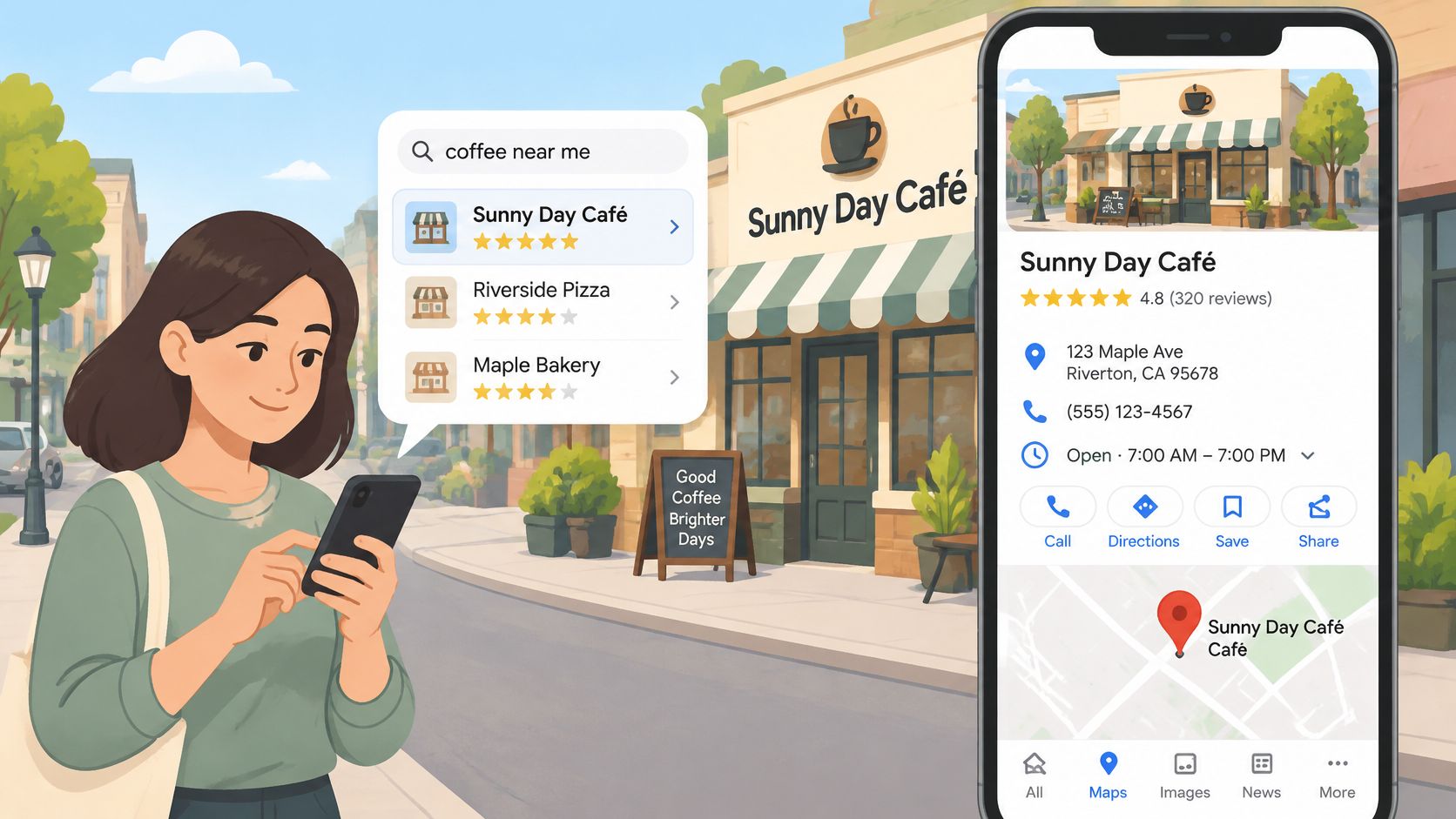
Ratings carry particular weight in that judgement. In 2024, 71% of consumers said they would not consider using a local business with an average rating below three stars, according to BrightLocal's 2024 Local Consumer Review Survey. Three stars sounds like a middling score. To a share of your market, it reads as a closed sign.
For an independent café, bakery or restaurant, the listing does three jobs in sequence:
- Discovery. Someone nearby searches for a category, a dish or a service, and the listing is the first thing they see.
- Comparison. Two or three similar places sit on screen together, and hours, photos, price hints and recent reviews do the sorting.
- Contact. A tap starts a call, a directions request, a booking or a website visit, which makes the profile the handover point between interest and a paying customer.
The survey figures describe U.S. consumers, so read them as a strong signal from a large market rather than a law that holds everywhere at the same percentages. The behaviour they describe will look familiar in most towns.
A check worth doing today: Search your own category and neighbourhood on a phone. If your hours, rating and location aren't clear within the first few seconds, that's where to start.
None of this requires a large budget. It requires one owner, a master list of facts, and a habit of checking both.
What a Local Business Listing Contains
A listing works like a shop sign that also answers the questions people ask before they walk in. The sign says who you are. The profile says when you're open, whether you take bookings, whether there's step-free access, and what the room looks like.
On Google, that profile is a Google Business Profile, managed from the Business Profile dashboard. The most common misunderstanding is treating it as a one-time form. It behaves like a living record that customers, search engines and, increasingly, AI assistants read and repeat.
| Field | What It Tells Customers | Common Error |
|---|---|---|
| Business name | Identifies the business as customers know it | Extra keywords that do not match the signage |
| Address | Lets people find and navigate to the site | Wrong suite number or an address left from before a move |
| Phone number | Enables a direct call from search | An old number that no longer reaches the business |
| Website | Links to menus, booking pages and orders | A link to an old or removed page |
| Categories | Tells Google what the business does | A broad category or several loosely related ones |
| Opening hours | Shows when customers can visit | Holiday or seasonal hours not updated |
| Services and attributes | Answers questions such as delivery or accessibility | Left blank or out of date |
| Description | Summarises the business in plain words | Promotional claims or keyword stuffing |
| Photos | Shows the storefront, interior and products | Old images and no recent photos |
The scale explains why small errors travel. Google reported in 2020 that information for about 200 million businesses and places was available through Maps, and that Search results showing local places generated more than 4 billion connections between customers and businesses each month, counting calls, visits, messages and reservations, as set out in Google's account of Maps' first 15 years. Those are company-reported platform figures rather than an independent audit, but they show how much traffic routes through these profiles.
Where owners get confused
Categories versus attributes. The primary category decides which searches you can appear in. Attributes answer narrower questions, such as outdoor seating or step-free access. Filling attributes doesn't rescue a wrong primary category.
A name with keywords bolted on. If the sign says Rosewood Bakery, the profile shouldn't read Rosewood Bakery Best Croissants Downtown. Mismatches create doubt, and most platforms treat it as a rule breach.
Holiday hours. Regular hours are set once. Special hours are the ones that catch customers out, because they change on the days you're busiest and least likely to be at a screen.
Finish with a self-check. Search your business name, open the profile the way a stranger would, and compare every field against the storefront, the menu and the website. Write the mismatches down rather than fixing them from memory.
How Listings Appear in Nearby Search
Local ranking rests on three signals, and only two of them respond to work you do. Knowing which is which stops owners from chasing an outcome they can't control.
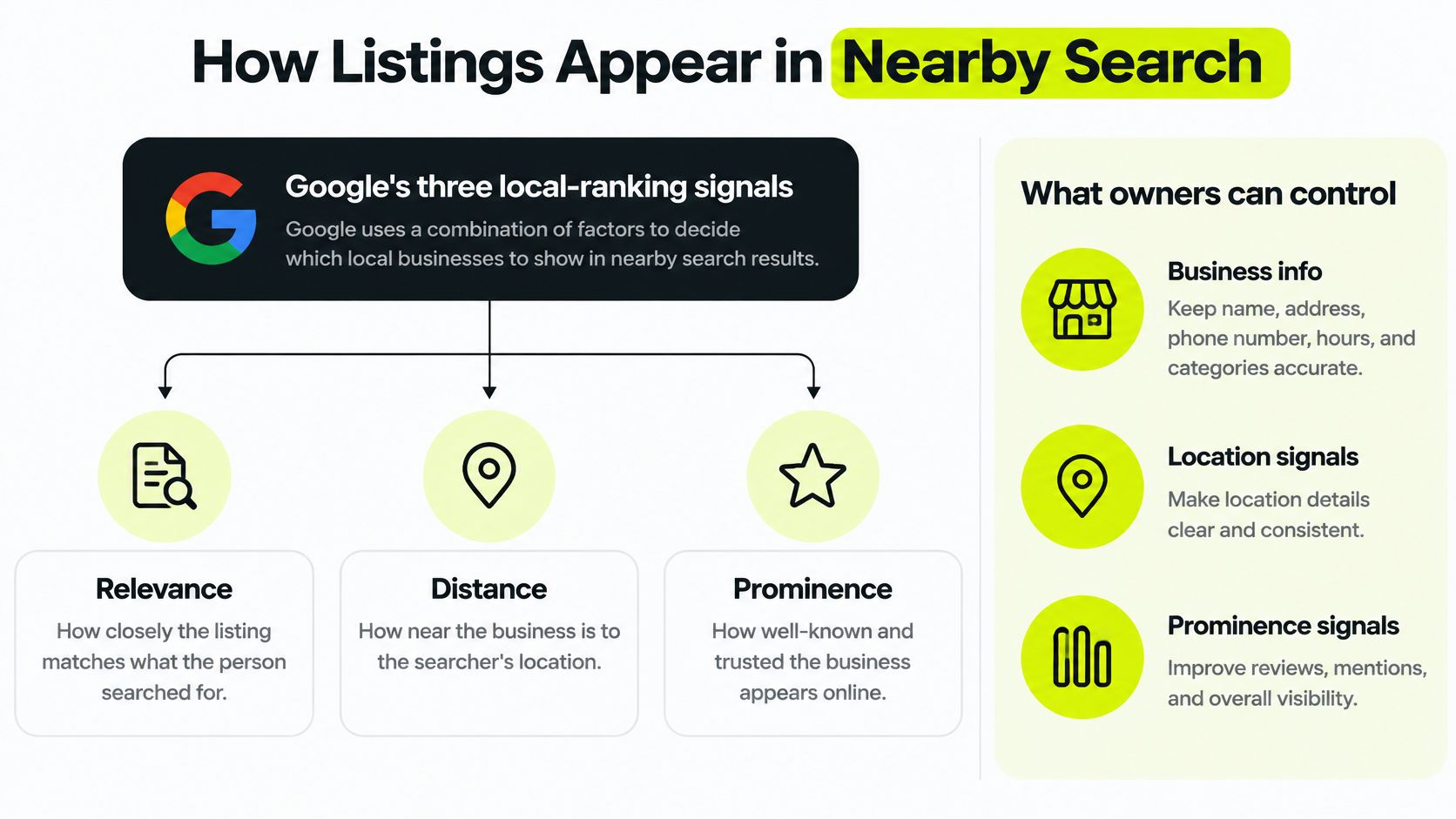
| Signal | What It Measures | What Owners Can Do |
|---|---|---|
| Relevance | How closely the listing matches the search | Complete categories, services, hours, attributes and description |
| Distance | How far the business is from the searcher or the place named in the search | Cannot be changed; keep address and service area accurate |
| Prominence | How well known the business is online | Keep web and directory listings consistent and grow genuine reviews over time |
Relevance is how closely the profile matches what the person searched for, which is why complete categories, services, hours, attributes and a clear description all help. A bakery that picks one broad category and leaves services blank gives Google very little to match. Distance is measured from the searcher's location or from the place named in the query, so a shop two streets away will often outrank a better one across town. That's geography, not a gap in effort. Prominence reflects how well known the business is, drawing on signals such as links from other websites, directory information, review volume and review score.
Google states that review count and positive ratings can improve local ranking, but it doesn't publish a weighting formula, and it says businesses can't request or pay for a better position, as explained in Google's guidance on improving local rankings. That's the honest boundary of what any listing programme can promise.
What to measure when you can't measure rankings
Chasing a position in the map pack is a poor weekly metric, because it moves with the searcher. The actions underneath it are visible: calls, direction requests, website clicks and reservations, each reported in the profile dashboard.
Record those numbers for three or four weeks to build a baseline. Change one thing, such as completing services or correcting categories, then compare the following period with the baseline. Expect noise, because results differ by query, by how many competitors sit nearby, and by how far each searcher is from your door. For a wider look at how listing work fits with overall search visibility, read this guide to better ranking on Google.
Start with subtraction, not addition. Most profiles gain more from removing wrong facts than from adding new ones.
Review Rules That Protect Your Listing
Here's the rule in plain terms. Google's Maps contribution policy prohibits businesses from offering payment, discounts, free goods or services, or other benefits in exchange for a review, a review edit, or the removal of a negative review. It also prohibits discouraging negative reviews and asking only satisfied customers for positive ones. Google files incentivised or biased reviews under rating manipulation and says such content may be removed.
The consequence isn't limited to one review vanishing. Under its fake-engagement policy, Google can temporarily block a profile from receiving new reviews or ratings, unpublish existing ones, and show customers a warning that fake reviews were removed, as Google's fake engagement guidance describes. Google decides whether a review complies and stays published. That decision doesn't belong to the business, and no tool can overturn it.
Owners often assume that confirming a review exists makes the process safe. It doesn't. Verification proves a review appeared. It says nothing about whether the benefit attached to that review broke a policy, because the incentive itself is the prohibited condition.
Practical rule: Separate feedback from rewards. Offer the same invitation to every guest, and never make anything depend on a star rating or on whether a review gets published.
Habits that keep a campaign on the right side of the line:
- Use one neutral request for every customer, worded the same way, with no filter for people who seem happy.
- Never write reviews for customers or hand them text to copy.
- Keep rewards unrelated to publication, so a guest who shares private feedback is treated the same as one who posts publicly.
- Answer criticism calmly and move the detail offline, without offering anything in exchange for a changed rating.
- Log the wording and dates of requests, so a question months later has an answer.
Read the current policy version before any campaign starts rather than relying on an old summary. Rules change, and the profile is the asset at stake.
Keep Your Listing Accurate Over Time
Accuracy is a system, not an edit. The system is a single master sheet of business facts, held by one named person, that feeds the listing, the directories, the menu pages, the booking tool and the website. When a fact changes, it changes in one place first.
That matters more than it used to, because people increasingly ask an assistant instead of scanning a map. Reporting carried by the Press Democrat on AI and local discovery puts the share of consumers using an AI tool to find a local business at 52% in 2026, up from 9% in 2025, with 60% using AI as a frequent discovery channel. An assistant that finds three conflicting closing times will pick one, and it may not pick yours.
Five habits that keep the sheet in charge
- Write the facts once. Name, address, phone, website, regular hours, holiday hours, categories, services and attributes in one document, shared with anyone who answers the phone.
- Settle conflicts by the sheet. When two sources disagree about a closing time, the sheet wins and the other source is corrected the same day.
- Date every change. A short note beside each edit, such as hours changed 3 October, tells you how long a stale version has been circulating.
- Ask what customers ask. Once a quarter, put hours, parking, accessibility, delivery and typical prices to a search engine and to an AI tool, then log every wrong or outdated answer.
- Read reviews and questions weekly. They surface facts that need correcting, but fix the fact in the sheet first and leave the review as written.
| Task | How Often | Why It Matters |
|---|---|---|
| Check regular and holiday hours | Monthly, and before each holiday | Wrong hours send customers to a closed door |
| Confirm address, phone and website | Quarterly | Mismatches confuse search results and directories |
| Review categories, services and attributes | Twice a year | Menus, services and accessibility change over time |
| Replace or add photos | Each season or menu change | Shows the current offer and the actual space |
| Match directories, menu and booking pages to the master sheet | Quarterly | Conflicting facts spread to other platforms and AI answers |
| Read new reviews and questions | Weekly | Surfaces factual corrections and recurring customer questions |
| Check for notices or removed reviews | Weekly | Gives early warning of policy problems |
One owner, one sheet. If two people can edit the facts, you have two versions of the truth.
Common Listing Mistakes and How to Fix Them
Three situations come up again and again in food businesses. Each is an example rather than a report from a specific venue.
A café still shows winter hours in April. Customers check the profile on a Saturday, see a 4pm close, and arrive at 5pm to locked doors. The seasonal change was made in the shop and on the website but never reached the profile. Correct the hours in the master sheet, then on the listing, then add the next holiday's hours before the holiday arrives rather than on the day, and confirm a week later that the listing matches the sheet.
A bakery's listed number rings an empty back office. The line was replaced when the counter phone changed, but directories kept repeating the old one. Update the primary number in the profile, correct the directories that copy it, and then call the number from a phone that isn't yours to hear what a customer hears.
A restaurant's menu link hits an error page after a site rebuild. The old page was removed and nothing replaced the link. Point the profile at the current menu, open it on a phone, and recheck it after every future site change.
| Symptom | Likely Cause | Fix |
|---|---|---|
| Customers arrive at a closed door | Holiday or seasonal hours not updated | Publish special hours in advance and check them weekly |
| Calls go unanswered or reach the wrong place | Old phone number left in directories | Update the primary number and correct directory entries |
| Map pin is in the wrong place | Address entered incorrectly or pin moved manually | Check the address format and correct the pin |
| Menu or booking link leads to an error page | Website moved without updating the listing | Update the URL and test it on a phone |
| Description or photos look outdated | Content never reviewed after launch | Replace photos and rewrite the description from the master sheet |
| Reviews drop or disappear | Removal or enforcement by Google | Read the notice, review current guidance and contact Google support |
Duplicates and warning notices
Duplicate entries split reviews and confuse customers. Search your business name plus the town, look for misspellings, former addresses and retired numbers, keep the verified entry, and use the platform's own reporting or merge process for the rest instead of leaving them live.
A sudden drop in reviews, or a notice on the profile, is a different problem. Read the notice first, compare it with the current policy, correct the process that caused it, and use Google support where the dashboard offers it. Deleting a review in response is not a fix, and neither is asking guests for replacement reviews in a burst.
Audit Your Listing This Week
Five steps, about an hour in total, and a weekly habit afterwards.
- Look at yourself as a stranger would. Search your business name and town on a phone, and note what appears: hours, rating, photos, phone number.
- Compare with the physical business. Check name, address, phone, website, hours and categories against the signage, the menu and the front door.
- Check the copies. Directories, booking pages and menu pages should repeat the same facts, formatted the same way.
- Set a weekly reminder. Fifteen minutes to read new reviews and questions and to check for notices on the profile.
- Name one owner. One person holds the master sheet, and everyone knows who that is.
If guest feedback and a weekly summary would take pressure off the counter, review² (reviewreview.io) runs QR-led guest feedback: a guest scans a sticker, leaves a Google review and claims a small reward, and the service checks that a review has appeared before a single-use coupon becomes available. Staff redeem the coupon at the counter, one use per coupon, and an optional guest database records names and email addresses only from guests who opt in.
Rewards stay available whatever the star rating and whatever the guest wrote. The ICO's direct marketing guidance sets out what that opt-in needs to look like: consent should be specific, informed, freely given and based on affirmative action, with a clear way to withdraw and an opt-out in every message.
Two limits belong in the same breath. Sample QR pages show a possible guest experience and don't publish a Google review, verify a review or sign anyone up. And no service can guarantee reviews, ratings or rankings, because Google decides whether a review complies and remains published. Plans are priced per location in USD, exclude VAT, and the 14-day trial costs $1, with stickers and rewards paid separately. Sending an enquiry doesn't create an account, subscription, trial, payment or sticker order.
Start with the field table above. Correct one row, then the next.
If keeping the facts straight and asking every guest for feedback is more than the front of house can carry, review² puts the loop on one sticker: guests scan, leave a Google review, and claim a small reward once the review has been detected, with a weekly email report showing what changed. It's a low-pressure way to test whether the routine suits your venue. Visit review² to see how it works and ask a question before committing to anything.