How to Ask Customers for Feedback: Scripts and Steps
Learn how to ask customers for feedback with ready-to-use wording, timing tips and policy-safe steps for restaurants, cafés and local shops.
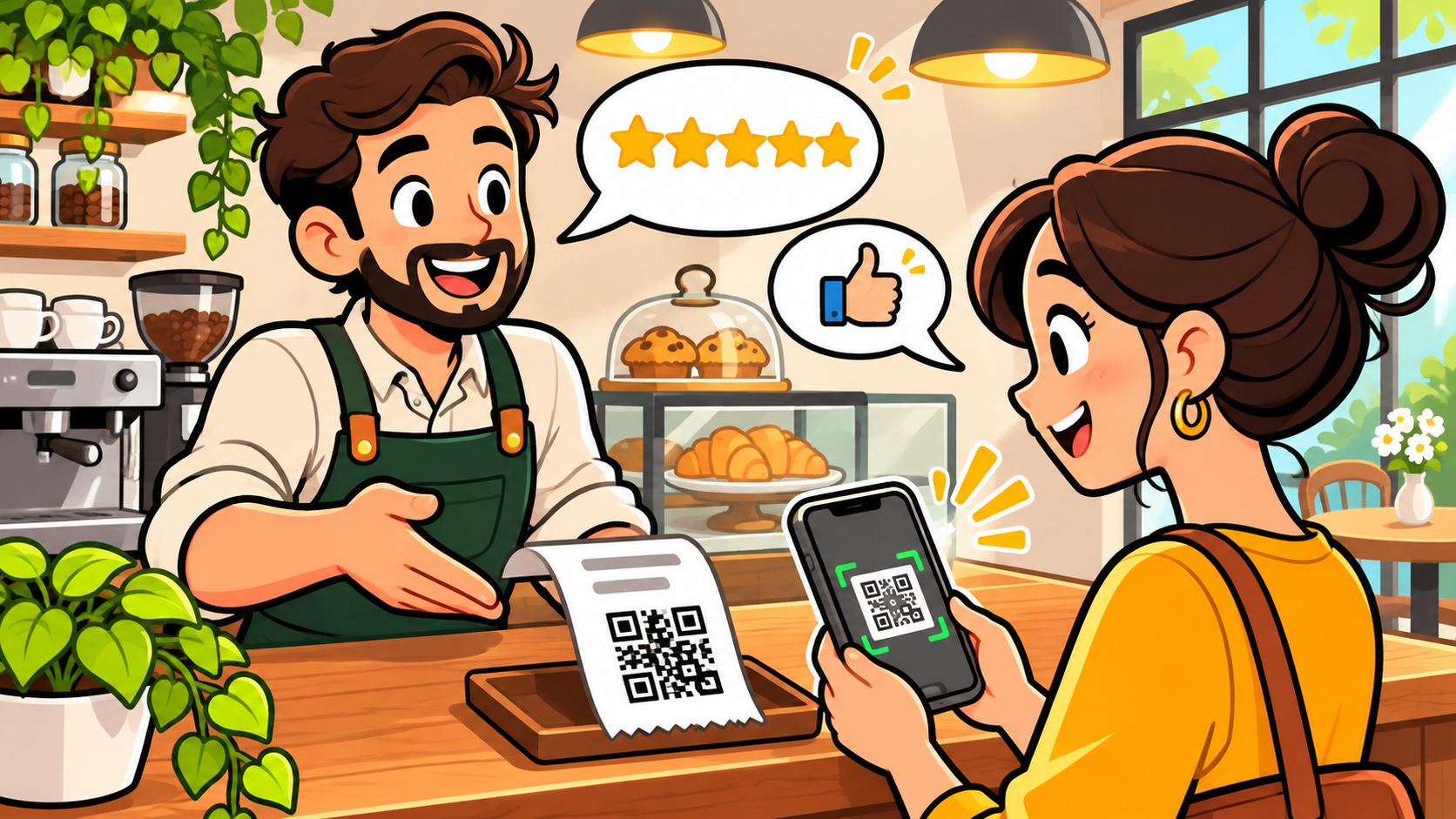
A café owner opens the Google listing on a Monday morning and finds nine reviews from the past month. Six are five stars from regulars. One is a one-star complaint about a two-minute wait for a flat white. Nothing sits in between. The queue that builds every Saturday at nine, the pastry that sells out by ten, the loyalty cards guests keep leaving at home: none of it appears anywhere.
That gap is the reason collecting honest feedback and asking for public reviews are two separate jobs. They run on different wording, different rules and different measures. Blur them together and most operators end up with one of two failures: a stream of generic praise that teaches nothing, or a reward scheme wrapped around Google reviews that runs straight into platform policy.
Both jobs can share the same workflow. They just need keeping apart at the counter, on the receipt and in the weekly numbers.
Sample Wording for Every Feedback Channel
The two jobs look almost identical until the scripts sit side by side.
| Channel | Best Timing | Sample Wording |
|---|---|---|
| Table QR sticker | While the guest is still seated, after the meal | 'How did we do today? Scan to share honest feedback, good or bad.' |
| Itemised receipt or payment screen | At checkout | 'Thanks for coming in. Your feedback helps us improve. Scan the code to share it.' |
| Staff verbal ask | Once, at the bill or at the door | 'How was everything? If something could be better, we would like to hear it.' |
| Email or text follow-up | The day after the visit, only for guests who ticked the marketing box | 'Thanks for visiting [Business]. Reply with one thing to keep and one thing to change.' |
| Delivery or pickup confirmation | When the order is completed | 'How did your order arrive? A short answer is welcome.' |
| Neutral Google review link | Any customer, at a time the business chooses | 'If you have a moment, you can share your experience on Google.' |
Timing does most of the work. A sticker on the table reaches the guest while the cup is still in front of them, when they can still remember whether the milk was burnt. A receipt link reaches them three minutes later at the till. A follow-up email reaches them the next morning, when the detail has already faded into a general impression. Every step away from the table costs precision, which is why the verbal ask still earns its place: a member of staff standing at the bill catches the half-second hesitation no form ever records.
The channel also decides who answers. A table sticker catches everyone who sits down. A text list catches only guests who agreed to hear from you, a smaller and more loyal group whose answers will flatter the kitchen.
Four rules that apply to every script
- Keep it under 20 words. Long scripts get skimmed and end up as decoration.
- Say that criticism is welcome. The words "good or bad" do more for data quality than any incentive.
- Never ask for a star rating. Asking for a good one turns a measurement into a favour.
- Leave the reward out of the wording until the program has been checked against current platform rules.
Practical rule: if a script would sound strange said out loud by a member of staff, it will sound stranger printed on a sticker.
Adaptation matters more than most templates admit. A bakery's useful question is about freshness and how the queue moved: "Was everything fresh today, and did the wait feel too long?" A full restaurant is asking about the food and the wait for a table, two different failure points with two different fixes. A delivery kitchen wants to know how the order arrived, not how the room felt.
Every script needs three things: the business name, one optional question and one clear link or code. When you're deciding where that neutral link should point, the comparison of review sites for businesses is worth ten minutes before anything goes to print.
How to Run a Feedback Request Step by Step
Silence at a table proves nothing. MIT Sloan Management Review summarized research finding that only 5% to 10% of dissatisfied customers complain after a service failure, while many switch providers or share the complaint with other people instead. In the cited study, 46% of complainers spoke in person, 44% by telephone and 10% by mail. That distribution is a map of where an invitation belongs: at the table, at the bill, on the receipt.
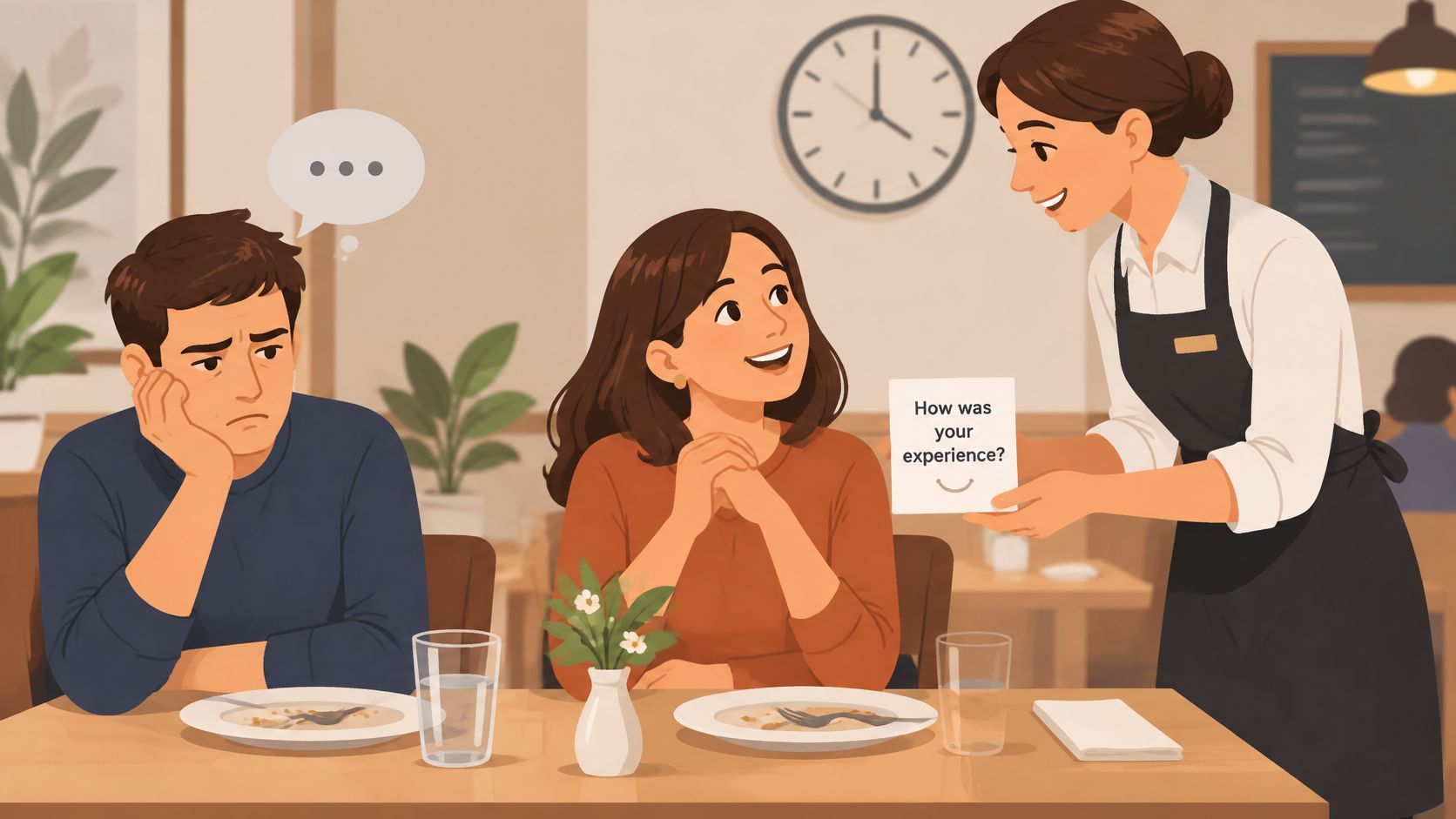
A quiet room is not evidence of a good meal. It's evidence that nobody was asked at the right moment.
The request itself runs in six steps.
- Choose one feedback action. Rating the visit plus a single optional question is enough. A five-question form is a different project with a lower completion rate.
- Place it where guests already pause. The table, the payment screen, the printed bill. Nowhere else.
- Write it in plain words using the wording table, and include the phrase that invites criticism.
- Ask every guest the same way. No screening, no "if you enjoyed today", no reading the table before deciding who gets a code.
- Make completion take under a minute. A short mobile form, no account, no login.
- Name one person to read the replies daily and log each comment with date, location and channel.
Step four is the one operators skip. Screening feels efficient, and it destroys the dataset, because the guests you skip are the ones whose answers would have changed a rota or a recipe.
Ask once, while the guest is still holding an opinion.
Response rates are context, not a target. SurveyMonkey's benchmark data reports an average response rate of 31.81% for customer-feedback surveys in its 2025 platform data, and notes that satisfaction surveys sent immediately after an interaction generally perform better because the experience is still fresh. A rate tells you how many people answered. It doesn't tell you whether they look like your average guest.
Keeping Review Requests Within Google's Rules
Start with the rule, plainly. Google's Business Profile review policies allow a business to ask for reviews through a direct link or a QR code, so QR-led collection is a supported method rather than a workaround. The same policies prohibit offering free or discounted goods or services in exchange for posting, changing or removing a review, and classify incentivized or selectively solicited reviews as fake engagement.
The US side adds a second layer. FTC guidance on the Consumer Reviews and Testimonials Rule explains that an incentive connected to a review can turn it into a consumer testimonial, that the incentive can't be tied expressly or implicitly to a particular sentiment, and that failing to disclose it may violate the FTC Act.
What that means at the counter: a reward tied to posting a Google review falls under Google's ban, and a verification tool showing that a review appeared is not evidence the method was allowed.
Three request types, three rule sets
| Request Type | Can a Reward Depend on It? | Sample Wording |
|---|---|---|
| Google review link | No. Google prohibits incentives in exchange for posting a review | 'If you would like, share your experience on Google.' |
| Private feedback form | Only if the reward is the same whatever the answer and is not conditional on posting a review | 'Tell us how we did. Your reward is the same whatever you say.' |
| Guest contact opt-in | No. Consent must be a separate choice and cannot be a condition of a reward | 'Tick here if you would like occasional offers by email. You can unsubscribe at any time.' |
Google's contribution policy also bars merchants from discouraging negative reviews or selectively soliciting positive ones, and notes that unusual volumes or patterns of contributions may indicate rating manipulation, with incentivized content subject to removal from Maps.
A coupon issued for completing a feedback form is a payment for participation. The moment it depends on a star rating, it becomes a payment for a verdict.
The working split is simple. Ask every guest the same neutral question about an honest Google review, with nothing attached. Keep any incentive inside private feedback, identical whatever the answer. Check current Google guidance and the FTC material before a reward goes live, and read why chasing five-star reviews backfires before printing new signage.
Reward Coupons, Staff Redemption and Guest Consent
A reward is a participation payment, not a satisfaction payment. Get that backwards and the data stops being worth collecting.
Incentives do move response volume. A meta-analysis of survey incentives covering 32 experiments and 212,810 people found that material incentives increased the odds of starting an online survey by 19% (odds ratio 1.19). The same analysis warns that incentives change who responds and how favourably they answer, so a higher count doesn't mean a more representative one.
The control sequence that keeps a reward clean:
- Show the reward terms before the guest starts writing.
- Let them write in their own words.
- Verify completion without screening for sentiment.
- Issue a single-use coupon after completion, not before.
- Have staff confirm the live coupon on the phone, redeem it once and log the redemption.
- Compare rating mix and comment themes against the pre-campaign baseline.
Staff redemption is the weak point in most cafés. A screenshot is not a coupon, and staff shouldn't be asked to judge whether a review looks genuine. The rule is mechanical: live coupon, redeemed once, logged at the till.
Consent runs on separate rails. The UK Information Commissioner's Office guidance on direct marketing says marketing emails or texts to individual customers generally require consent unless a specific soft opt-in exception applies, that valid consent must be freely given, specific, informed and based on a deliberate affirmative action, that pre-ticked boxes don't count, and that each message must identify the sender and offer an opt-out route.
Practical version: a separate, unticked checkbox on the feedback form, plain wording, an unsubscribe line. Never a condition of the coupon or the meal. Google's review guidance also treats pressure to review on the premises and required wording as problems in their own right, so staff scripts need review as carefully as the signage does.
Measuring Feedback Quality and Weekly Follow-Through
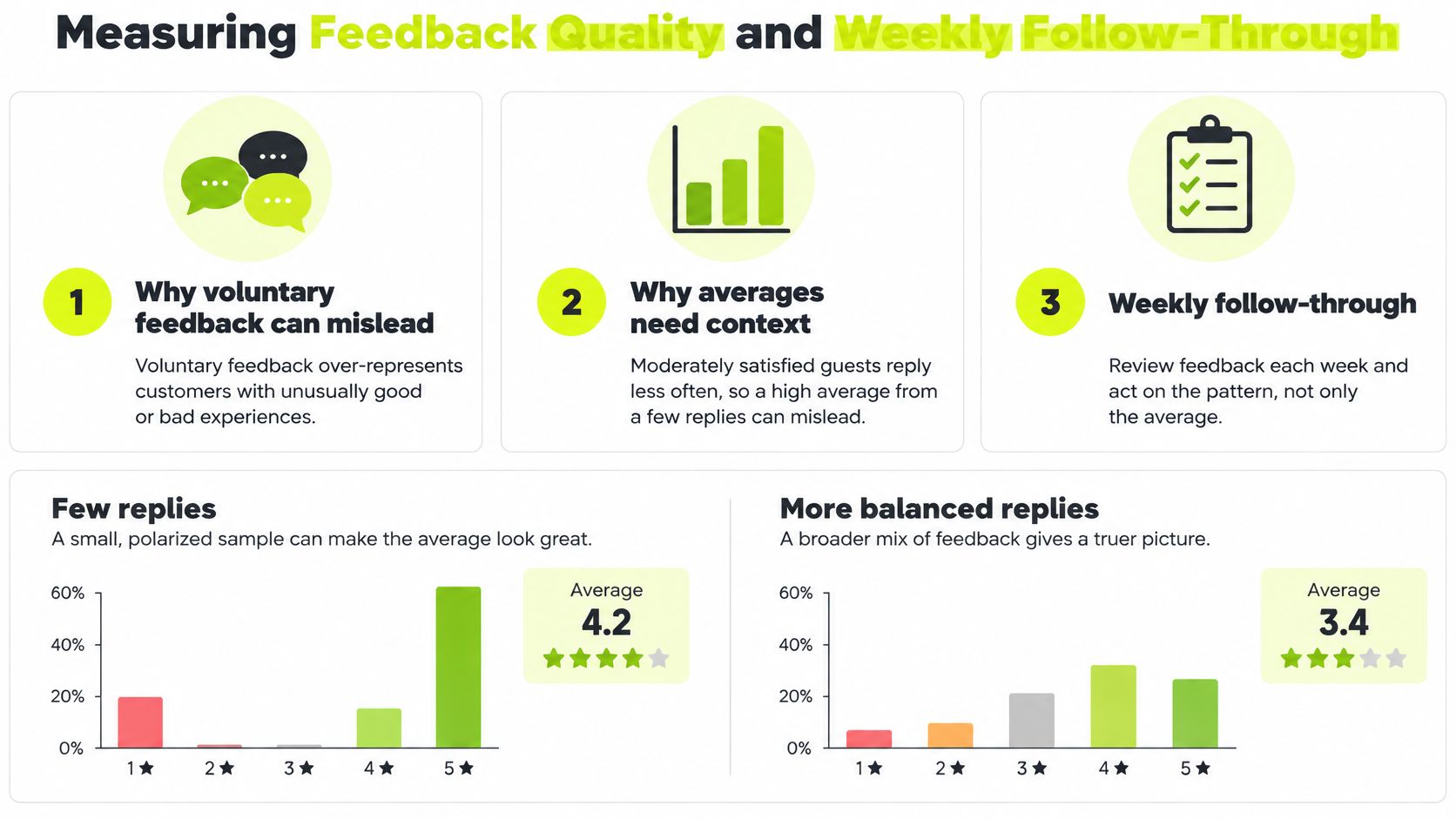
Say a café collects 12 replies in a month averaging 4.7 stars from perhaps 900 covers. That average looks like proof of a good operation. It proves only that 12 people answered, and the quiet, moderately satisfied majority is missing from the picture entirely.
Measurement runs on two tracks, because honest feedback collection and public review requests are separate jobs with separate measures. A private survey is judged on response rate and whether recurring complaints get fixed. A public review profile is judged on volume and rating movement over weeks. On the public side, weekly email reports listing new reviews, star ratings and progress mean the owner never has to keep checking Google.
Research summarized on feedback bias and follow-through makes the underlying point: voluntary feedback systematically over-represents customers with unusually positive or negative experiences, which makes a high average an incomplete account of customer experience. The fix is tracking invitation volume, response rate, rating distribution and differences by visit type, time, location and segment rather than a single score.
What belongs in the weekly report
Keep it to one page:
- Invitations issued, so response rate has a denominator.
- Replies received, split by channel.
- The full distribution, not just the average.
- Comment themes, grouped into three or four recurring phrases.
Review the same numbers monthly with splits by visit type, daypart, location and customer segment. A steady average alongside a falling response rate is still a warning sign: it means fewer guests are talking, not that more guests are happy.
Follow-through is what turns collected feedback into changed operations. Respond privately to criticism within a timeframe the business sets, and publish a short "you said, we changed" note every few months so guests see the loop close. When public ratings dip, the same discipline applies to repairing an online reputation: patterns first, individual replies second.
Common Problems and How to Fix Them
Most feedback programs fail in one of five recognisable ways. Diagnose by symptom.
| Symptom | Likely Cause | Fix |
|---|---|---|
| Few guests reply | The ask happens after the guest has left | Move the request to the table or the payment point |
| Receipts have no feedback link | The link was added once and never checked | Add the link to every receipt template and check it monthly |
| Staff ask inconsistently | No written script on the floor | Print one approved script for the counter |
| Guests feel pressured | The request repeats at every visit or at the bill | Ask once per visit and accept a no without comment |
| Replies sound like forced praise | The wording asks for a good rating | Remove rating words and ask for an honest experience |
The first symptom is the most common and the most misread. Owners see a low reply count and conclude guests don't care, when the request just arrived four hours too late.
Testing rule: change one element at a time and run it for two weeks before judging.
Two weeks is short enough to keep a manager's attention and long enough to produce a usable count in a small venue. Change the wording, the placement and the incentive in the same fortnight and no one can say which one moved the number.
Start One Feedback Request This Week
One channel, one script, two weeks. That's the whole first move.
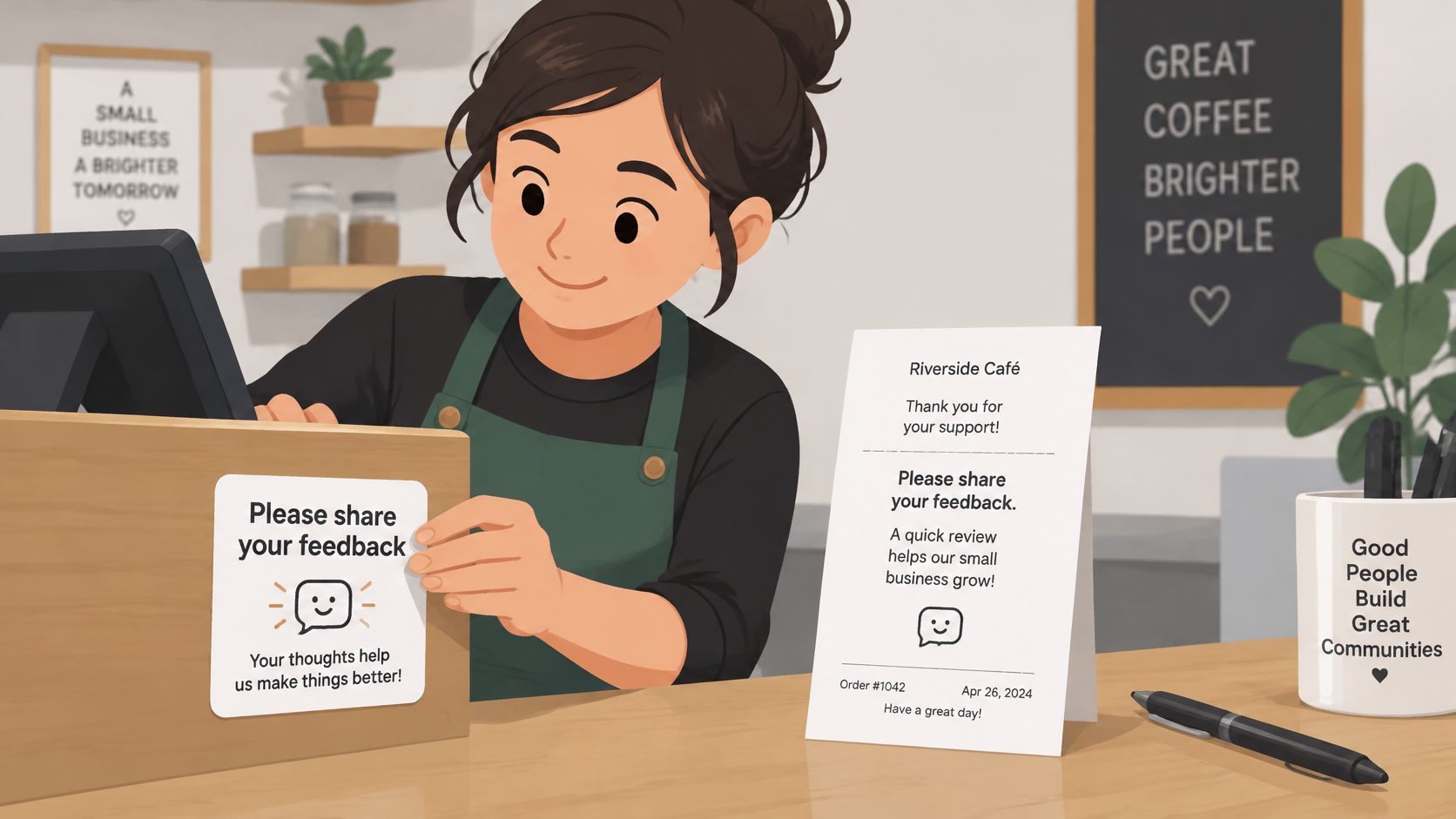
- Pick the channel that matches how guests leave: table sticker if they linger, receipt or payment screen if they pay and go.
- Write one script from the wording table, under 20 words, with the line that invites criticism.
- Check the reward against the Google and FTC rules above before anything is printed, and confirm current platform guidance first.
- Log replies daily under date, location and channel, as in step six of the process.
After two weeks, open the report and read four things together: replies, response rate, rating distribution and comment themes. Then change one element and run it again.
For operators who would rather not build the flow by hand, review² covers the same ground as a subscription service: printed QR stickers for tables and tills, verification that a review has appeared before a reward is available, single-use coupons staff redeem once, an opt-in guest database and weekly email reports. Sending an enquiry through the site doesn't create an account, a subscription, a trial, a payment or a sticker order, so looking costs nothing beyond the click.
The question of how to ask customers for feedback gets easier once the private form and the public review link stop sharing a script. review² handles that split at the counter: a QR sticker on the table, verification that a Google review has appeared before a single-use coupon becomes redeemable, an optional guest database built only from guests who opt in, and a weekly email report showing new reviews, star ratings and progress. Reviews stay the guest's own words, written about their own visit, and the reward stays independent of the rating. If a ready-made flow is easier than building one, visit review² and see how the stickers, coupons and reports work together.