Leave Us a Google Review Template: 8 Ready-to-Use Messages
Leave Us a Google Review Template for cafes, restaurants and bakeries: eight honest, policy-conscious message ideas you can adapt today.
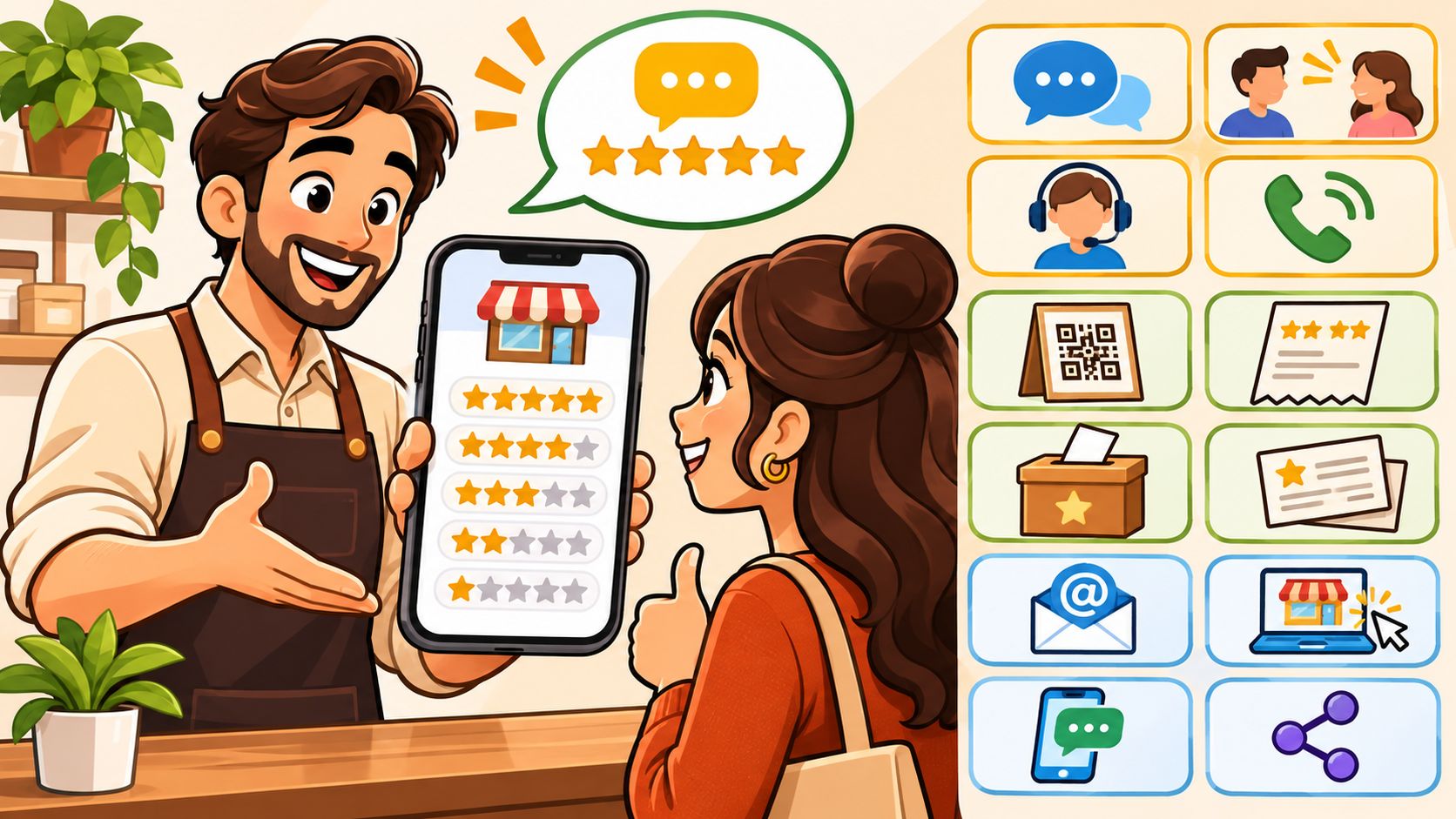
Six o'clock on a Saturday, the bakery counter is finally clear, and three staff are wiping down trays. A few hundred people came through that day, half of them regulars who know the name of whoever bags their bread. Nobody asked any of them for a review. Not because the owner doesn't care, but because there's no agreed moment, no agreed sentence, and no agreed place to send anyone. Reviews arrive in bursts when someone remembers, then nothing for weeks.
A workable leave us a Google review template fixes three things at once. It gives staff one sentence to say, gives the guest one link to tap, and turns a hopeful gesture into a repeatable habit. Keep it short, keep it specific to the visit, keep it neutral about the outcome, and send it while the visit is still fresh.
That matters more in food than in most trades. In 2025, 46% of consumers said they would not eat at a restaurant without first checking reviews, according to Customer Experience Magazine's report on local-business trust. The eight templates below cover printed, spoken, digital and multi-site requests, with a note on the consent rules and the platform-policy limits each one carries.
1. Simple Thank-You with Direct Review Link
The shortest version is usually the one that gets used. One thank-you, one link, one clear next step, and no instruction about what the guest should say.
The willingness is already there. BrightLocal's 2025 Local Consumer Review Survey found that 81% of consumers used Google to find reviews of local businesses, and that 96% of consumers were open to writing a review, while only 29% had written one for a business in the previous year. The gap isn't attitude. It's a missing prompt at the right moment.
Copy-ready wording
Thank you for visiting [Business name] today. If you have a moment, honest feedback on Google is always appreciated: [review link]. Hope to see you again soon.
Four sentences, one link, no direction about stars or content. It fits in a text, at the foot of an emailed receipt, or on a printed card with a QR code underneath.
Here's the message in its most common form, a phone screen with one tap left to make.
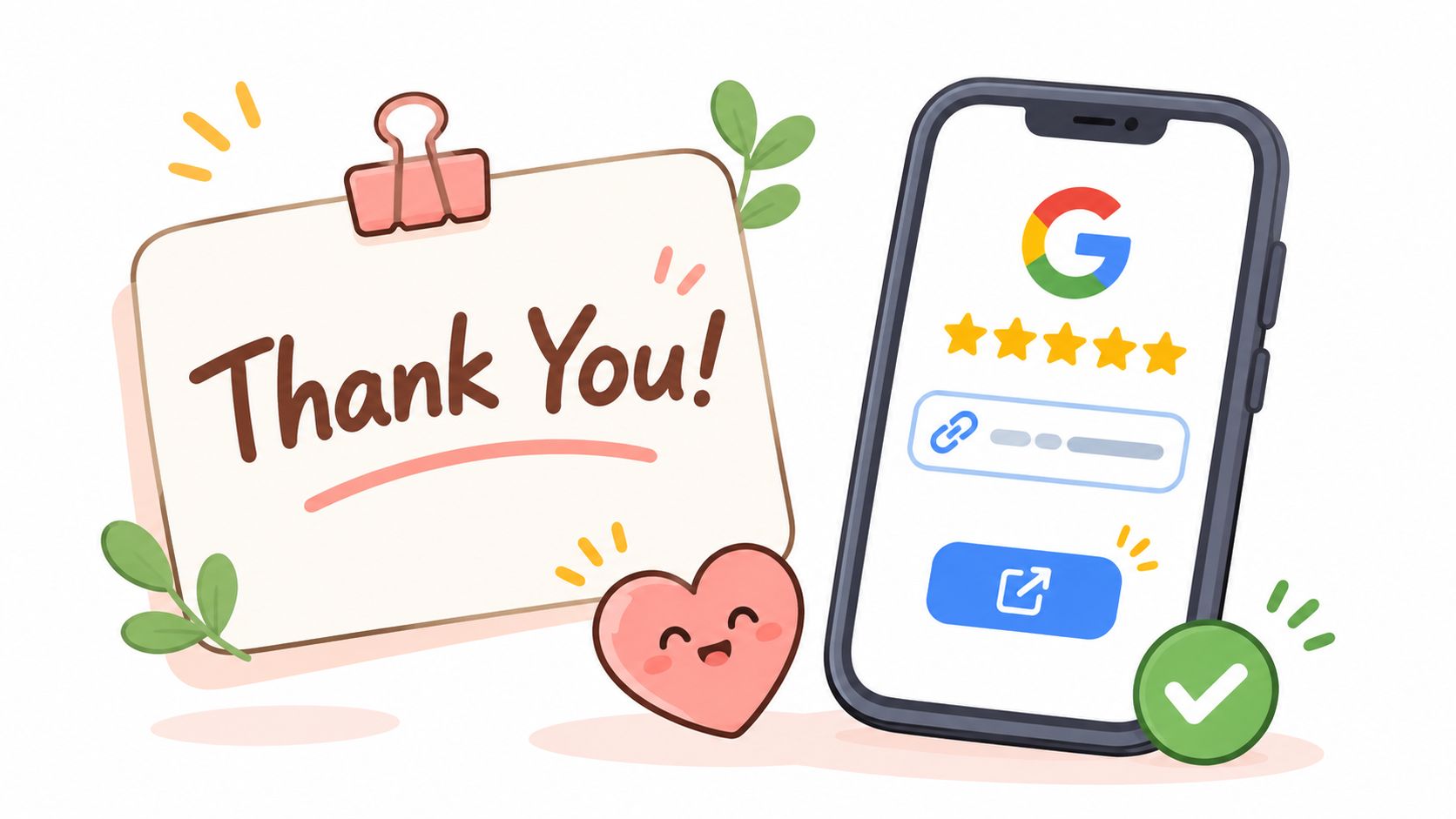
Three habits make this version work harder than the longer ones.
- Send within 24 hours: a request that lands the next morning still belongs to the visit. A week later it reads as marketing.
- Stay under 40 words: the shorter the message, the more it reads as courtesy rather than a campaign.
- Test the link on a phone before printing: open it in a private browser window and confirm it lands on the review box, not on a profile page or a login screen.
If someone on the team suggests adding "five stars please" to the card, the guide to five-star reviews explains why that line creates more problems than it solves.
2. Post-Visit Text Message Request
A guest books a table on Thursday, eats on Friday, and by Sunday has forgotten the name of the restaurant. A text on Saturday morning catches the visit while it's still the story of the weekend.
Text works for restaurants, cafés and bakeries that already hold mobile numbers from reservations, takeaway orders or loyalty sign-ups. The guest is on the same device they'd use to write the review, so the whole task happens in one place. Guests are already reading reviews there: in BrightLocal's 2024 Local Consumer Review Survey, 75% of U.S. consumers said they always or regularly read online reviews.
Wording that fits one screen
Hi [First name], thanks for dining with [Business name] yesterday. If you have a minute, please share your experience on Google: [review link].
The name and the visit do the personalising. The link sits at the end, where a thumb lands on it.
Permission is the part that gets skipped, and it's the part that causes complaints.
- Record consent where the number is collected: at reservation, at the till, or in the loyalty sign-up, with a clear note of when and how it was given.
- Provide an opt-out: reply STOP where local messaging rules require it, and honour it the same day.
- Send one reminder at most: a second nudge three to five days later recovers the guests who meant to review and forgot. A third turns a thank-you into pressure.
For the wider conversation, including what to do when the reply is a complaint rather than a review, this guide to how to ask customers for feedback covers the follow-through.
3. Email Follow-Up with Optional Consent-Based Guest Contact
Email carries more context than a text, which makes it the natural fit after a reservation, a catering booking or an online order. It also carries more legal weight, because email marketing has its own consent rules.
The ICO's guidance on direct marketing by electronic mail sets out the standard. Marketing emails to individual subscribers normally require consent or a valid soft opt-in, and that consent must be freely given, specific, informed, unambiguous and based on a positive action. Pre-ticked boxes, silence or inactivity don't establish it. Businesses should also keep records showing who consented, when and how.
Keep the two purposes apart
One email can say thank you and ask for a review. Adding a marketing sign-up to that same message is where businesses get into trouble, so treat the review request and the mailing list as two separate asks.
Subject: Thank you for joining us at [Business name]
Thank you for joining us for [occasion or order] at [Business name]. If you have a few minutes, feedback on Google is always welcome: [review link].
Would you like occasional updates from [Business name]? Leave a name and email address and you can unsubscribe at any time.
- Name the visit in the subject line: the occasion or the order, not "leave us a review".
- Send from a named person: a manager's address gets replies, and replies are free feedback.
- Never make consent a condition: not of service, and certainly not of a reward.
- Explain the use and offer the exit: state what the contact details are for and remove anyone who withdraws promptly.
Check any automated email for neutral wording before it goes live. A template that asks for "your honest experience" survives a policy review. One that asks for a rating doesn't.
4. Table Card and Counter Sign with QR Prompt
A printed card does the job in venues where guests never leave a phone number. Bakeries, coffee shops and busy lunch counters run on short visits, and a card on the table reaches everyone in the room without staff remembering to ask.
The scale on the other side of that scan is large. Google published 1.14 billion local reviews on Maps and Search during 2025, according to its Maps content transparency overview. A QR card is the cheapest way to put a venue into that stream.
Copy-ready wording
Enjoyed your visit? Share your experience with a Google review. Scan the code below.
Keep the card to one line of invitation, one QR code and, if the card is large enough, the short review URL typed out underneath for the guest whose camera refuses to cooperate.
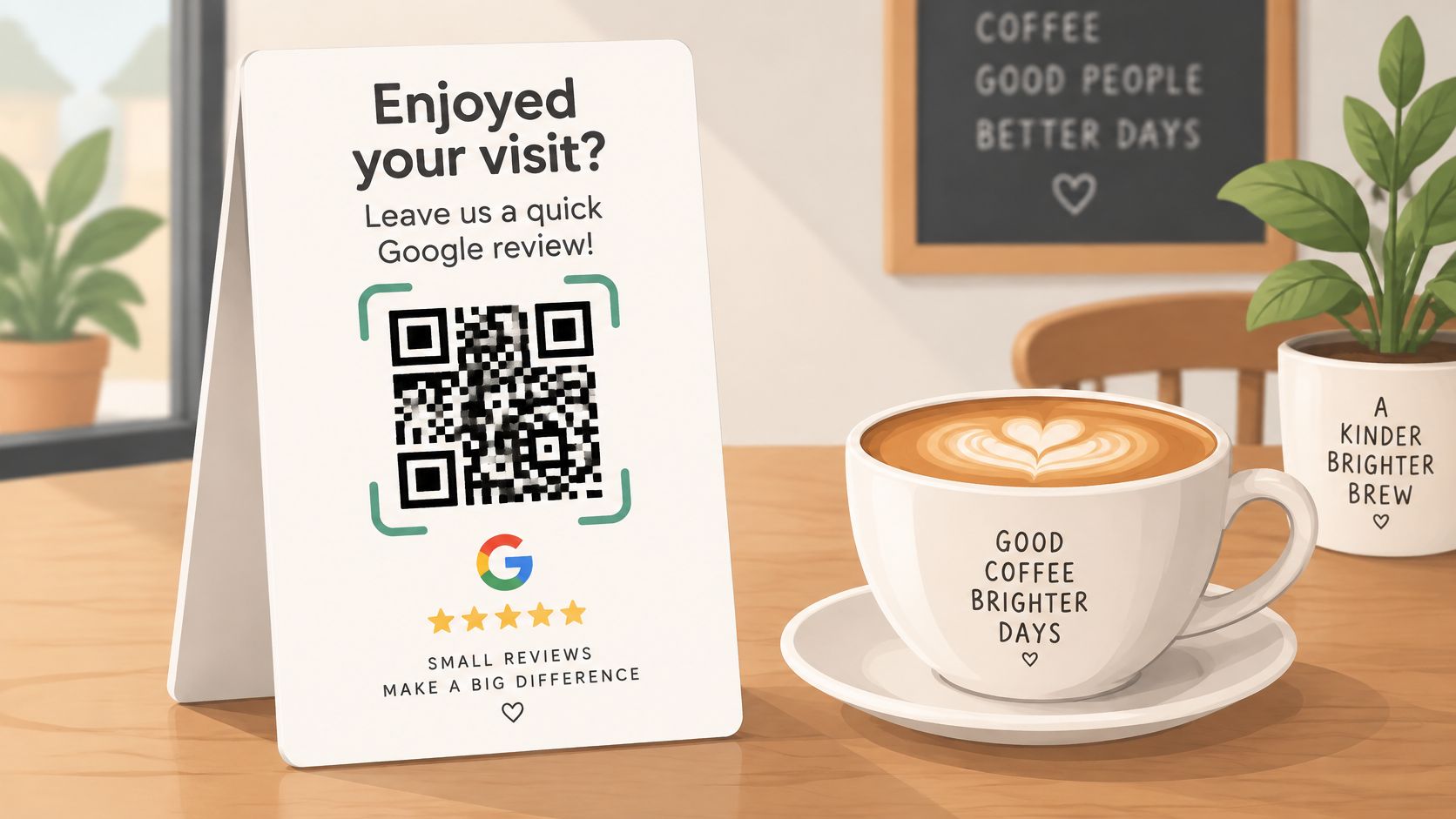
What the card can and cannot confirm is worth stating plainly to whoever designs it. It can put the review page in front of every guest. It cannot tell you whether anyone wrote a review, and it gives no reward mechanism, so it carries the least platform-policy exposure of anything in this list.
- Test the code on several phones: an older handset with a scratched lens is a fair test of a printed code.
- Place cards flat on the table: a holder that hides the code behind a menu or a condiment caddy gets scanned by nobody.
- Keep the wording neutral: no star count, no "if you loved it", no mention of staff members.
- Reprint when anything changes: a new menu, a new address or a new phone number makes an old card worse than no card.
5. Reward-Linked Review Invitation via review²
A reward changes the arithmetic of a review request, and it changes the rules. Offering a drink or a discount in exchange for a Google review is restricted by Google, so the reward has to be built and explained carefully before a single sticker goes on a table.
How the reward route is built
review² links the reward to a detected review rather than a click. The guest scans a QR sticker, writes a Google review, and the service verifies that the review has appeared before the coupon becomes available. Staff hand over the chosen reward, a drink, a small item or a discount on a future visit, only when the guest shows the live animated coupon on their own phone. A still screenshot isn't accepted, and the reward is identical whatever rating the guest gives.
Where the policy line sits
Google's contribution policy prohibits offering payment, discounts, free goods or services in exchange for a review, and it prohibits selectively soliciting only positive reviews. Incentivized or biased reviews may be removed, and a profile can face restrictions, including a temporary pause on new reviews.
Policy risk: a verified review is still an incentivized review in Google's terms. Verification confirms that something was published. It does not make the review compliant, and the decision stays with Google.
That's the trade-off to weigh before launch, not after. The route adds a reason for a guest to follow through, and it accepts a risk that a plain table card doesn't carry.
Copy for the sticker and the counter card, and an instruction for the team.
Leave a Google review and show your coupon at your next visit. The reward is the same whatever rating you give. Scan to start.
Subscriptions are charged per location, with plans listed at $29 monthly, $114 every six months or $174 annually, excluding VAT, a 14-day trial for $1, and stickers and rewards billed separately. Current details, including how stickers are ordered and delivered, sit on the review² site.
6. Staff Verbal Request at Payment
The moment a card reader is handed back is the most natural opening a venue gets, and the one most often wasted. A spoken request costs nothing, takes four seconds, and works in any venue with a person at the counter.
One sentence is the whole script
Thank you for coming in today. If you'd like to leave a Google review, the code is on your table card.
The staff member thanks the guest, names the action, and points at something physical. No rating, no suggestion about content, no hovering.
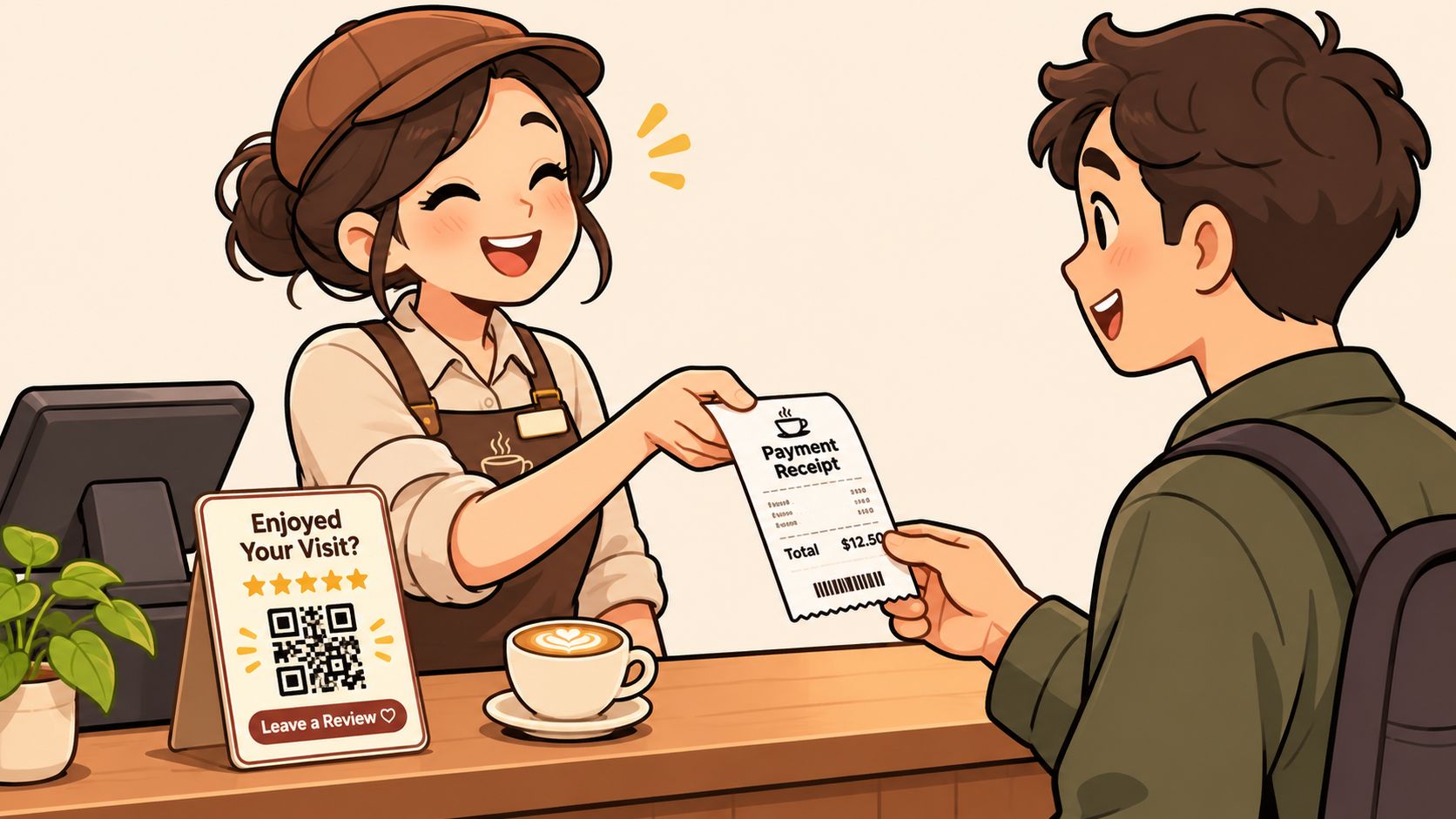
The failure mode is inconsistency rather than bad wording. One server asks for five stars, another says nothing, a third asks twice and makes the table uncomfortable.
- Say it once and stop: if the guest declines or shrugs, move on to the goodbye. Asking again at the door reads as pressure, and Google's rules discourage pushing guests to review while they're still on the premises.
- Never request a rating or a mention: no "tell them who served you", no "five stars if you enjoyed it". Both fall under requests for specific content.
- Give staff something to point at: a table card, a sticker by the till or a line on the receipt. A verbal ask with nothing behind it dies at the door.
- Run it through a weekly briefing: read the sentence out loud, confirm it still matches the current offer, and let new starters hear it from someone who uses it.
Whatever script a venue lands on, every staff member should be able to repeat it word for word. Consistency is what makes a spoken request feel like part of the service rather than a favour being asked.
7. Bakery and Pickup Order Thank-You Note
A pickup order is a thirty-second transaction, and the guest leaves with a bag in hand. That bag is prime space for a review request, and almost nobody uses it.
Bakeries, dessert counters and takeaway cafés run on repeat short visits rather than long sittings, so a note at collection reaches people who never see a table card. Trust is the reason it's worth the ink: in GatherUp's Beyond the Stars study, 94% of consumers said they placed at least some degree of trust in local business reviews in 2025.
Wording for a bag or a collection ticket
Thank you for your order at [Business name]. If you enjoyed your treats, a Google review would be welcome: [review link].
Keep it to two lines on a sticker or printed ticket, with the link or a QR code underneath. The line refers to the order in general terms, not to a named product that might sell out by the weekend.
- Print it where the guest still has it in hand: on the bag, the box lid or the collection ticket, not on a receipt that goes straight into a pocket.
- Update the note when hours or products change: a folded card that still lists last season's opening times makes the whole business look careless.
- Leave rewards out of the printed note: an unqualified "free coffee for a review" on a paper bag is the exact wording Google's rules target. If a venue wants a reward, it belongs in a separate, verified process with its own terms.
The test for a pickup note is whether a guest could read it, tap the link and get back to their day in under a minute. If it takes longer than that, it's a leaflet, not a request.
8. Multi-Location Standard Template with Local Placeholders
Groups with three or more venues hit a specific problem. Central marketing wants one voice, and every site has a different review link, a different manager and sometimes a different language.
A master wording with local placeholders solves most of it. One approved structure, one set of neutral phrases, and three fields that change per venue.
The master version
Thank you for visiting [Location name]. If you have a moment, please share your experience on Google: [location review link]. [Manager name] and the team welcome your feedback.
The location name and the correct review link do the localising. Everything else stays identical, which is what keeps a group's requests recognisably the same brand without making them sound like a call centre.
- Build a link checklist: confirm each site's own Google Business Profile review link before launch, then again after any rebrand or relocation.
- Keep a shared document of approved wording: record the master text and every approved local variation, so a new site manager isn't improvising on their first shift.
- Review sites together each week: read the summaries side by side to see which venues are collecting reviews and which have gone quiet, then ask the quiet ones what changed.
- Check the details behind the link: for the listing side of the job, keeping each local business listing accurate covers the fields that guests check before they visit.
A group that runs one master template and a per-site link usually finds the difference between venues is operational, not linguistic. The site that asks consistently collects reviews. The site that asks when someone remembers doesn't.
How Each Review Request Template Compares
| Item | Channel | Needs Guest Contact Details | Tracks Completed Reviews | Best For |
|---|---|---|---|---|
| Simple Thank-You with Direct Review Link | Text, email, receipt or printed card | No; printed options need none | No | Quick, low-pressure review requests |
| Post-Visit Text Message Request | SMS | Yes; requires opted-in phone number | No | Reaching guests soon after a visit |
| Email Follow-Up with Optional Consent-Based Guest Contact | Yes; requires an email address and permission | No | Reservations, catering and online orders | |
| Table Card and Counter Sign with QR Prompt | Printed card or sign with QR code | No | No | In-person requests without collecting guest data |
| Reward-Linked Review Invitation via review² | QR sticker and phone | No | Yes; checks for a detected review | Businesses considering a review-linked reward, subject to Google policy risk |
| Staff Verbal Request at Payment | Face-to-face | No | No | Personal requests during payment |
| Bakery and Pickup Order Thank-You Note | Bag, ticket, order slip or pickup confirmation | No for printed options; online messages may require contact details | No | Bakeries and takeaway or pickup orders |
| Multi-Location Standard Template with Local Placeholders | Text, email, cards or receipts | Depends on the chosen channel | No | Hospitality groups standardizing requests across locations |
Choose the Right Channel and Keep Every Request Neutral
Match the channel to what the venue already has. A café with no contact database gets more from a table card and a spoken line at payment than from an email list that doesn't exist yet. A restaurant collecting reservation emails gets more from a short follow-up the next morning. The wording matters less than whether the request reaches the guest at all.
Neutral language is the part that shouldn't flex. No star counts, no "if you loved it", no requests to name a staff member, no "call us before you post". Google's rules on incentives cover payment, discounts, free goods and services offered in exchange for a review, a revision or the removal of criticism, and they apply whether or not the guest felt pressured (Google's contribution policy). A reward campaign is a decision about whether an incentive belongs in the process at all, not a wording problem to be solved with a cleverer sentence.
Consent sits alongside it. A phone number collected at booking, a QR scan or a coupon claim isn't permission to email a guest about anything else. Keep the review ask and the marketing opt-in as two separate choices, record what each guest agreed to, and remove anyone who withdraws. A guest database only has value if every name in it arrived with a clear yes.
Where a reward is involved, separate the reward from the review decision. A coupon that becomes available only after a review is detected is still an incentivized review in Google's terms, even when negative feedback is welcome. Verification tells a business that something was published; it doesn't change how Google treats the arrangement, and Google can still remove a review or restrict a listing. Results also vary by business, so headline multiples aren't a forecast. One bakery collected 37 new Google reviews in the 30 days after launch against 3 in the 30 days before, with its average rating moving from 4.37 to 4.67 stars. That is one venue's comparison, not a promise for the next one.
Pick one template, put it in front of guests for four weeks, and read the weekly summaries before adding another channel. If the reward route is on the table, review the plans and sticker ordering on the review² site, and use the trial to test a single venue before committing a group.
review² is built for the version of this where a plain request isn't enough: guests scan a QR sticker, leave a Google review, and receive a single-use coupon once the service confirms the review has appeared. Staff hand over the reward only when the guest shows the live animated coupon on their own phone, since a still screenshot proves nothing. Weekly email reports show new reviews, star ratings and progress, so nobody has to keep checking Google by hand, and the reward stays the same whatever rating a guest gives. Current plans and sticker ordering are on review², and the 14-day trial for $1 is enough to test one venue before rolling a template out across a group.